Image to Prompt Generator
Reverse-engineer any image into a precise AI generation prompt. Our image to prompt tool analyzes visual content and produces ready-to-use prompts for Midjourney, DALL-E, Stable Diffusion, and every major AI image generator.
Free · no sign-up · your images are used only to generate the prompt.
How It Works
How the Image to Prompt Generator Works
Three steps to extract a detailed AI image generation prompt from any photo or artwork
1. Upload Your Image
Upload a JPG, PNG, WebP, or any common image format. Our AI analyzer accepts photos, digital art, screenshots, and illustrations of any style or subject matter.
2. AI Reverse-Engineers the Visual
Advanced vision AI dissects your image — reading subject matter, art style, lighting, color palette, composition, and mood. The image description AI reconstructs the creative intent behind every pixel.
3. Get Your AI Image Prompt
Receive a structured, platform-ready prompt you can paste directly into Midjourney, DALL-E, or Stable Diffusion to recreate or iterate on the image — no guesswork, no blank-page anxiety.
Overview
Why Choose Our Image to Prompt Tool
Stop guessing what made an image look great. Let AI read the image and hand you the exact prompt.
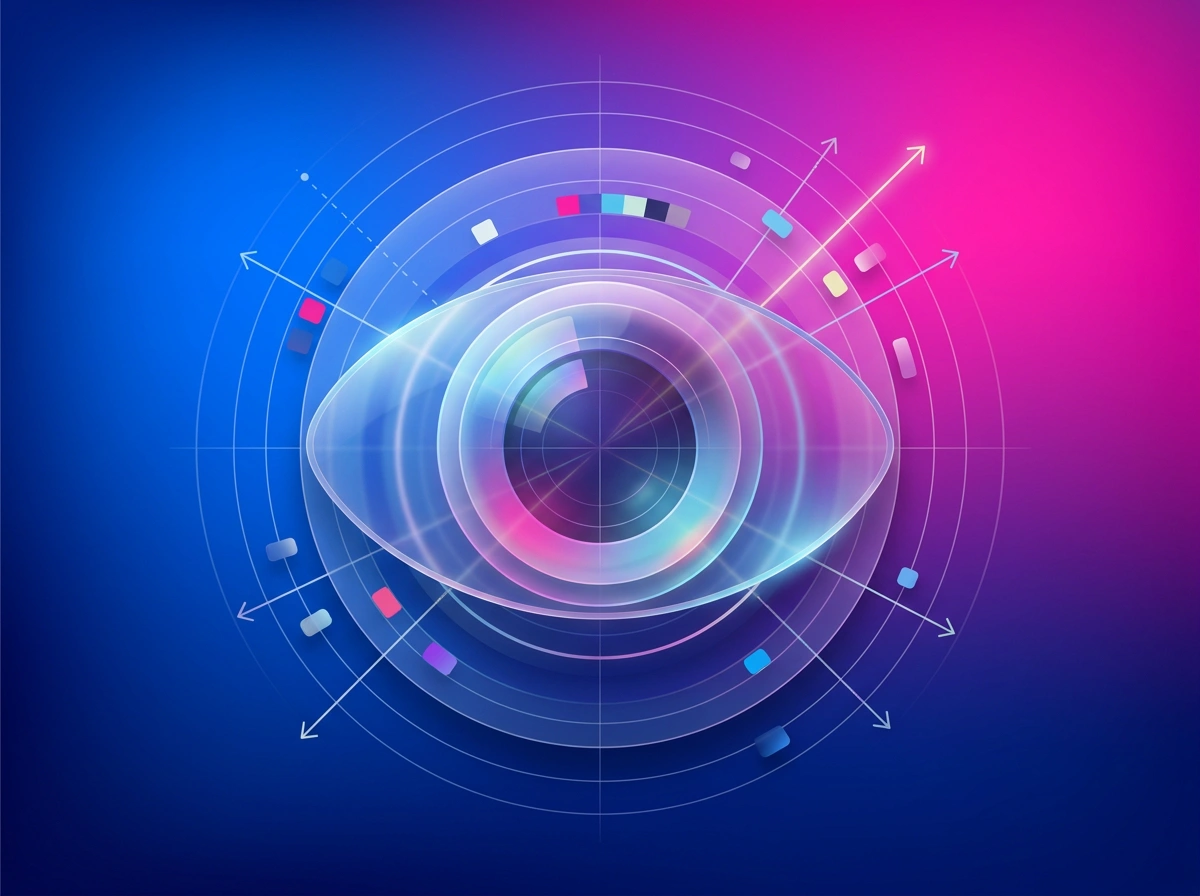
Deep Visual Reading
The AI reads far beyond surface description — it identifies focal depth, lighting angle, color grading, artistic style, and compositional rules embedded in the image.
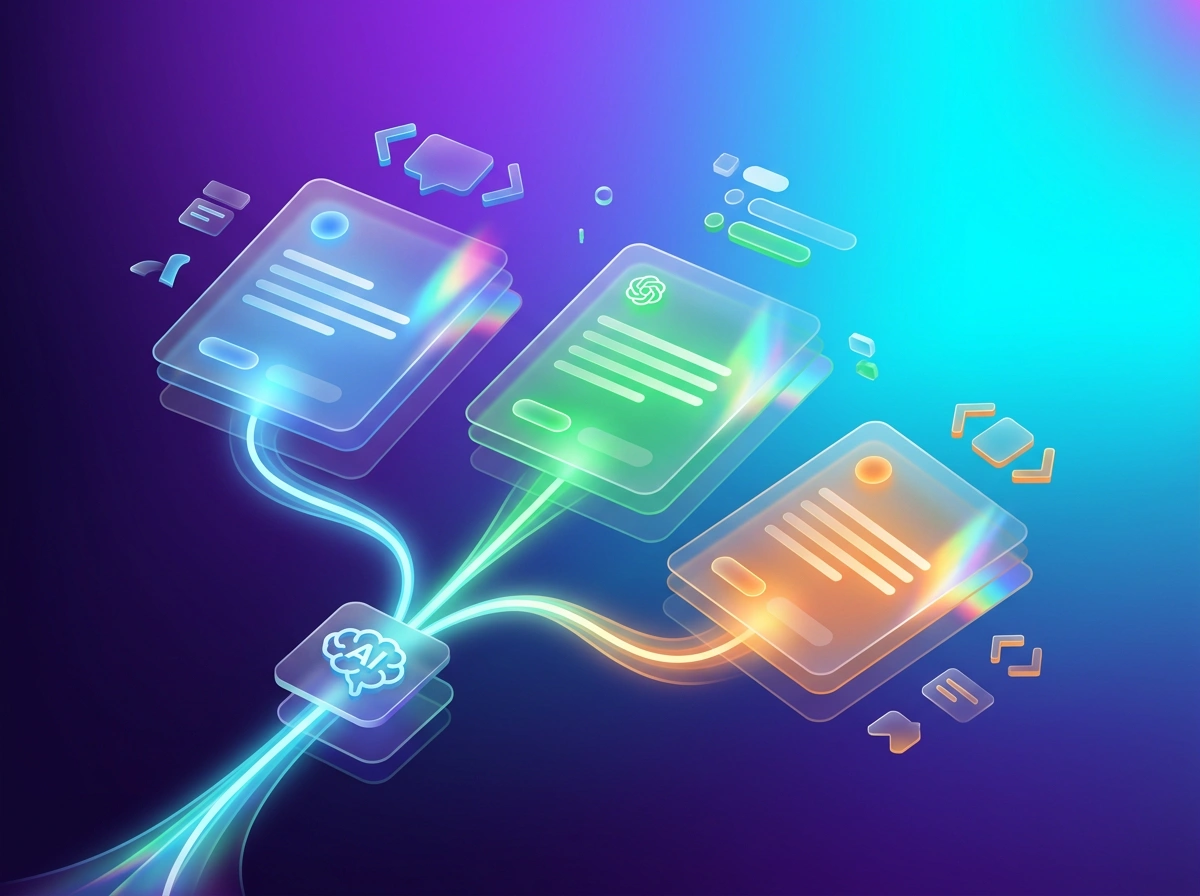
Platform-Optimized Prompts
Whether you target Midjourney, DALL-E, or Stable Diffusion, our AI image prompt generator formats output with the syntax and keyword conventions each platform responds to best.
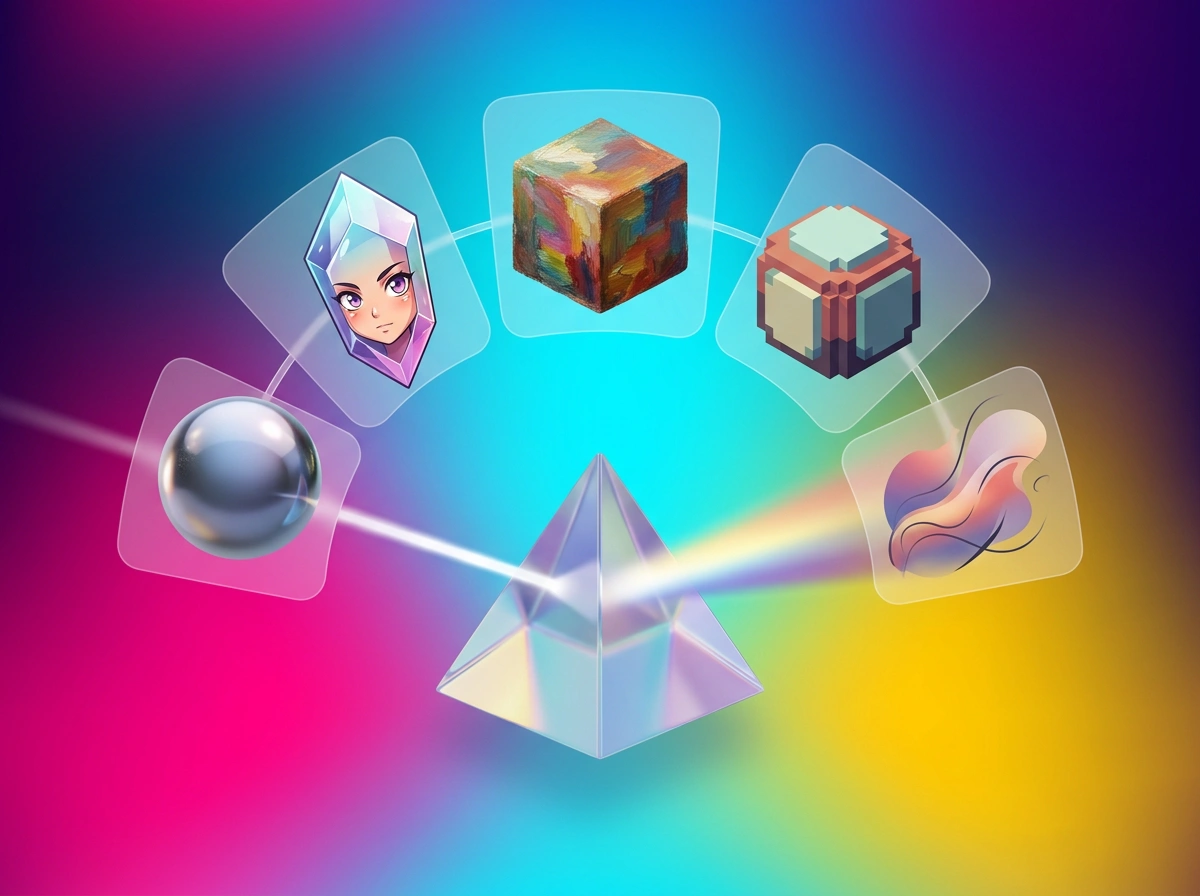
Any Image, Any Style
Photorealism, anime, oil painting, pixel art, concept art — the converter handles every visual genre and returns style-accurate descriptors every time.
Key Benefits
Why Use This AI Prompt Extractor
The fastest way to go from inspiration image to reproducible AI art prompt
Reverse Image to Text in Seconds
Skip hours of manual prompt crafting. Upload the image you want to recreate and our reverse image to text engine delivers a comprehensive prompt within seconds — including style, lighting, and composition cues.
Learn What Makes Images Work
Every generated prompt output teaches you the vocabulary professional prompt engineers use. Study the results to improve your own AI image generation skills over time.
Unlock Consistent Results
Use prompt extraction to build prompt templates from your best-performing images. Recreate consistent aesthetics across entire project series without starting from scratch each time.
Bridge Inspiration and Creation
Found a striking image online or in your own portfolio? Our image description AI converts it into an actionable prompt so you can use it as a jumping-off point for original AI artwork.
Use Cases
Image to Prompt Generator Use Cases
Discover who uses this tool and how it accelerates creative workflows
AI Artists and Prompt Engineers
When you encounter a striking image and want to generate something similar, the generator gives you the exact language to replicate style, mood, and composition in your own AI image generator.
- Reverse-engineer trending AI art styles
- Build reusable prompt templates from reference images
- Iterate on existing images with precision edits to the prompt
Brand and Marketing Teams
Maintain visual brand consistency across AI-generated campaigns. Upload a reference image that matches your brand aesthetic and extract a prompt formula your entire team can reuse.
- Standardize visual style across marketing materials
- Quickly reproduce approved art directions
- Onboard new team members with documented prompt patterns
Designers and Creative Educators
Use AI image analysis as a teaching tool or design research method. Analyze what makes iconic images visually compelling by reading the AI description of their underlying elements.
- Teach visual design principles through prompt analysis
- Deconstruct reference images for mood board creation
- Explore style variations by modifying extracted prompts
AI Prompt Generator Stats
Trusted by Creators Worldwide
Numbers behind our AI prompt extraction tool
Images Analyzed
prompts extracted monthly
Platforms Supported
AI image generators targeted
Extraction Speed
average image to prompt time
User Success Stories
Image to Prompt Generator Reviews
How creators use our tool to unlock new AI art possibilities
“I stumbled on a gorgeous concept art piece and had no idea how to recreate the style. I uploaded it and got a perfectly structured Midjourney prompt in seconds. The style descriptors were spot on — I've been refining it ever since.”
Marco Chen
AI Artist & Prompt Engineer
“Our brand has a very specific visual style. I uploaded our hero imagery and extracted prompts we now share with every designer on the team. AI-generated assets are finally consistent across campaigns without endless revision rounds.”
Nina Kowalski
Brand Creative Director
“The reverse image to text feature is a game changer for Stable Diffusion workflows. I upload reference photos, get detailed prompts with lighting and composition cues, then adjust the seed and sampler settings. My output quality improved dramatically in the first week.”

Tyler Brooks
Stable Diffusion Enthusiast
“We use DALL-E to generate social media visuals and this AI tool cut our creative brief time in half. Upload a competitor ad or inspiration image and you instantly have a starting prompt. Our team produces twice the content with the same headcount.”
Aisha Okonkwo
Digital Marketing Specialist
Technology
The Technology Behind Our Image to Prompt Generator
State-of-the-art vision AI powers every prompt extraction
Multimodal Vision Analysis
Our analysis engine uses large multimodal models capable of reading visual content at the same depth a professional photographer or art director would — detecting artistic intent, not just surface objects.
Style and Genre Classification
The AI image prompt generator identifies artistic styles (photorealism, anime, impressionism, cyberpunk, etc.) and encodes them using the exact terminology each target platform understands for accurate image recreation.
Compositional Parsing
Beyond subject identification, our reverse image to text system decodes framing, rule-of-thirds adherence, depth-of-field, and perspective angle — the compositional layer that separates average prompts from great ones.
Cross-Platform Prompt Formatting
Generated prompts are post-processed to align with the preferred syntax of Midjourney (aspect ratios, stylize values), DALL-E (natural language emphasis), and Stable Diffusion (LoRA and negative prompt conventions).
Image to Prompt Generator FAQ
Image to Prompt Questions Answered
Everything you need to know about extracting AI prompts from images
Turn Any Image Into an AI Prompt — Free
Upload your image and get a precise, ready-to-use prompt for Midjourney, DALL-E, or Stable Diffusion in seconds. No sign-up required.