AI Storyboard Rules: One Shot, One Action (With a Copyable Template)
Write an AI storyboard that video models can follow: one action per shot, concrete descriptions, plain text, and 15-second segments of 3-5 shots.
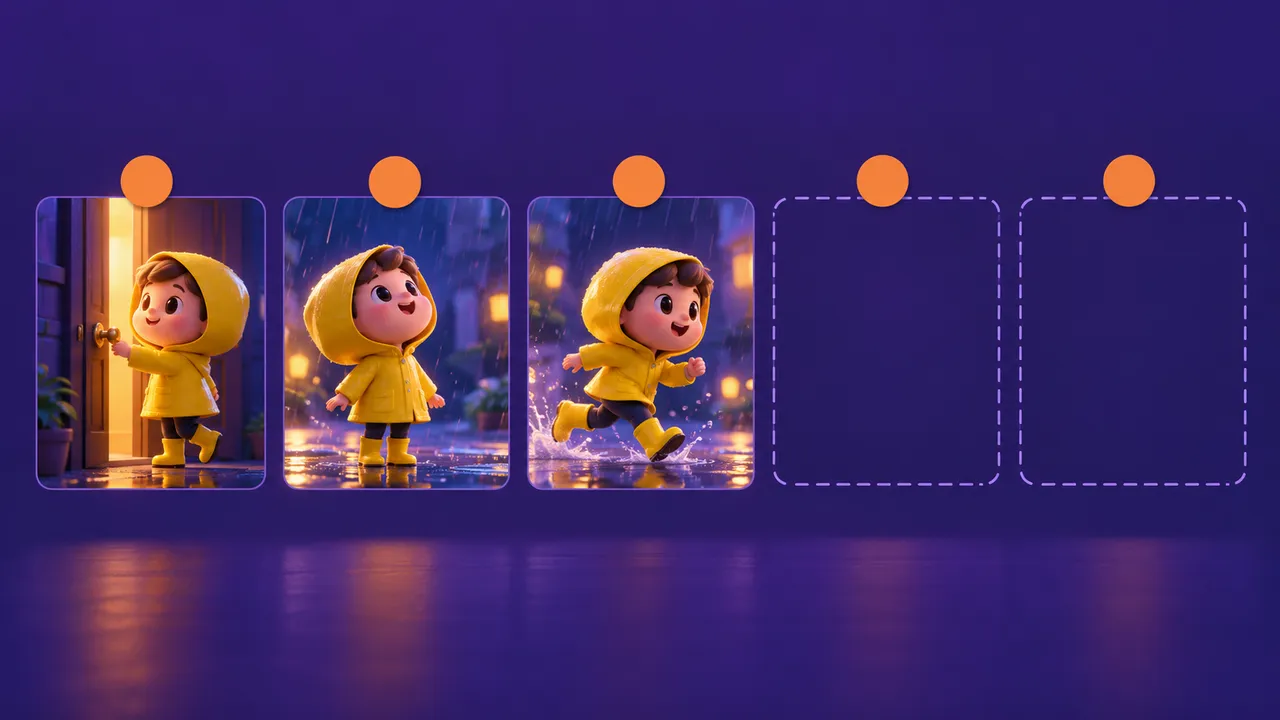
An AI storyboard is the plan that sits between your script and your video clips, and it decides whether the AI video model does what you want or makes things up. A common planning problem is a shot that asks the model to do three things at once. This guide gives you five simple rules, a copyable template and a filled 9:16 example.
Script vs AI storyboard: they are not the same
A script tells the story. It says who does what and what they say. A good AI storyboard tells the camera. It says what is on screen, from which angle, for how many seconds.
If you paste a script straight into a video model, the model has to guess the shot size, the camera move and the timing. It will guess differently every time, so your clips will not match. That is why the script step and the storyboard step are separate. If you do not have a script yet, start with our video to script guide, then come back here.
For the full workflow from idea to upload, see how to make an AI short film.
AI storyboard rule 1: one shot = one action
Each shot in your AI storyboard should show one thing happening. A girl opens a door. A dog looks up. A hand drops a key. That is it.
When one shot contains several actions, the model tries to squeeze them all into a few seconds. You get rushed motion, strange body poses and actions that blend into each other.
- Bad: "Sara walks into the kitchen, opens the fridge, finds it empty and starts crying."
- Good: Shot 1: "Sara opens the fridge door." Shot 2: "Close-up of empty fridge shelves." Shot 3: "Sara's face, a tear runs down her cheek."
In an AI storyboard, three short shots are easier to generate and more powerful to watch.
AI storyboard rule 2: nothing big changes inside a shot
Inside one AI storyboard shot, keep three things fixed:
- Shot size. Do not go from wide shot to close-up in the same shot. Make two shots instead.
- Scene. Do not move from the street to the house. A new place is a new shot.
- Weather and time. Do not let sunny turn to rain, or day turn to night, inside one shot.
A slow camera move such as a push-in or a pan is fine. The rule is about jumps, not about movement. If you really need a change of scene inside a single clip, plan a first frame and a last frame image for it; our Seedance 2.0 prompt template covers that trick.
AI storyboard rule 3: describe what can be drawn
AI models draw nouns and verbs. They cannot draw feelings, memories or ideas. Every line of your AI storyboard should describe something a painter could paint.
- Bad: "Her heart breaks as memories of a happy summer flood back and the city feels cold and empty."
- Good: "Close-up. Ayesha holds a faded photo of two girls on a beach. A tear runs down her left cheek. Blue evening light."
Use few adjectives. "Beautiful, magical, emotional, stunning" give the model nothing to draw. Replace them with concrete details: a red scarf, wet hair, a cracked phone screen, warm lamp light. Emotion comes from the face, the object and the light, not from the words "very sad".
To show emotion, use a close-up. To show speed, use a tracking shot with motion blur. The cheat sheet in camera angles and shots for AI video lists the common options.
AI storyboard rule 4: plain text, not tables
An AI storyboard table looks neat in a chat window, but its formatting can break when copied into another tool. Columns get mixed up, cells merge, and you spend time cleaning. Ask your chat model for a plain-text AI storyboard: one block per shot, one field per line. Then you can copy a whole 15-second segment and paste it in one go.
AI storyboard rule 5: work in 15-second segments
A 15-second segment is a useful planning unit, not a universal model limit. Check the current limits in your app and generate shots separately if needed. Plan your AI storyboard with room for the action:
- 3 shots if the segment has long dialogue or one slow emotional moment.
- 4 shots for most story beats.
- 5 shots for action or fast montage.
A 60-second short is four segments. A 3-minute episode is twelve. Number every shot across the whole film (Shot 01, 02, 03...) so you never lose your place in the edit.
The AI storyboard template
Copy this template into a chat model together with your script, or fill it in by hand.
AI STORYBOARD - [TITLE] - Segment [N] ([START]-[END] s)
Format: 9:16 vertical | Style: [ONE FIXED STYLE STRING]

Shot [##] ([START]-[END] s)
Shot size: [wide / medium / close-up / extreme close-up]
Angle: [eye level / low / high / over-the-shoulder]
Camera move: [static / slow push-in / pan left / tracking]
Characters: [NAMES + one look keyword each]
Scene: [ONE PLACE, time of day, weather]
Action: [ONE visible action, subject + verb + object]
Dialogue: [LINE] ([N] words, about [N] s) or none
Sound: [ONE or TWO sounds]

Rules: one action per shot. No change of shot size, scene,
weather or time inside a shot. Concrete, drawable details only.
Plain text, no tables.
Filled example (9:16, 15 seconds, 4 shots)
AI STORYBOARD - The Red Thread - Segment 1 (0-15 s)
Format: 9:16 vertical | Style: 3D cartoon, soft rim light, rainy blue tones

Shot 01 (0-3 s)
Shot size: wide
Angle: eye level
Camera move: static
Characters: Ali (8, blue school shirt), Chandni (white kitten, grey ear)
Scene: city bus stop, evening, heavy monsoon rain
Action: Ali holds Chandni inside his shirt under a broken umbrella
Dialogue: none
Sound: rain, distant traffic

Shot 02 (3-7 s)
Shot size: medium
Angle: eye level
Camera move: handheld tracking
Characters: Ali
Scene: city bus stop, evening, heavy monsoon rain
Action: the crowd pushes Ali sideways toward the bus
Dialogue: none
Sound: bus horn, crowd noise

Shot 03 (7-11 s)
Shot size: close-up
Angle: low
Camera move: static
Characters: Chandni
Scene: wet pavement at the bus stop, evening rain
Action: Chandni jumps from Ali's arms onto the pavement
Dialogue: none
Sound: splash, short meow

Shot 04 (11-15 s)
Shot size: medium close-up
Angle: eye level
Camera move: static
Characters: Ali
Scene: city bus stop, evening, heavy monsoon rain
Action: Ali calls toward the crowd
Dialogue: "Chandni!" (1 word, about 1 s), last 0.5 s silent
Sound: rain gets louder
Notice that in this AI storyboard every shot has one action, the scene and weather stay fixed, and each line names something the model can draw. The same template works for 16:9 if you are making a horizontal video for YouTube long-form; just change the format line.
Let the tool draft your AI storyboard, then check it
You do not have to write every shot from zero. The Storyboard Generator turns a short idea into numbered shots with time codes, camera moves, action and lighting. Put the length and shot count in your idea, for example "15 seconds, 4 shots, 9:16", then verify the requested timing and count in the result. Then check the draft against the five rules and split any shot that has two actions.
For live-action shoots, the Shot List Generator gives the same idea as a set-ready shot list. When a segment is ready, turn it into a multi-shot video prompt with the Seedance prompt generator.
Try it free: Storyboard Generator — turn your script into a numbered AI storyboard with timing and camera moves. No sign-up.
FAQ
How many shots should a 15-second AI storyboard segment have?
Three to five. Use three for slow, emotional moments or long lines of dialogue, four for most scenes, and five for action. Very short shots leave less time for viewers to read an action.
Can I use a camera move inside one AI storyboard shot?
Yes. A slow push-in, pan or tracking move is fine. What you should avoid is a jump inside the shot: a new shot size, a new place, or a change in weather or time of day.
Why does my AI storyboard need plain text instead of a table?
Plain text copies cleanly into video tools. Tables often lose their structure when pasted, so fields end up in the wrong place and the model reads them in the wrong order.