Seedance 2.0 Prompt Template: Write a 15-Second, 4-Shot Segment
A copyable Seedance 2.0 prompt template: 4 timed shots in 15 seconds, @image references, dialogue timing and fixes for scene changes and blurred frames.
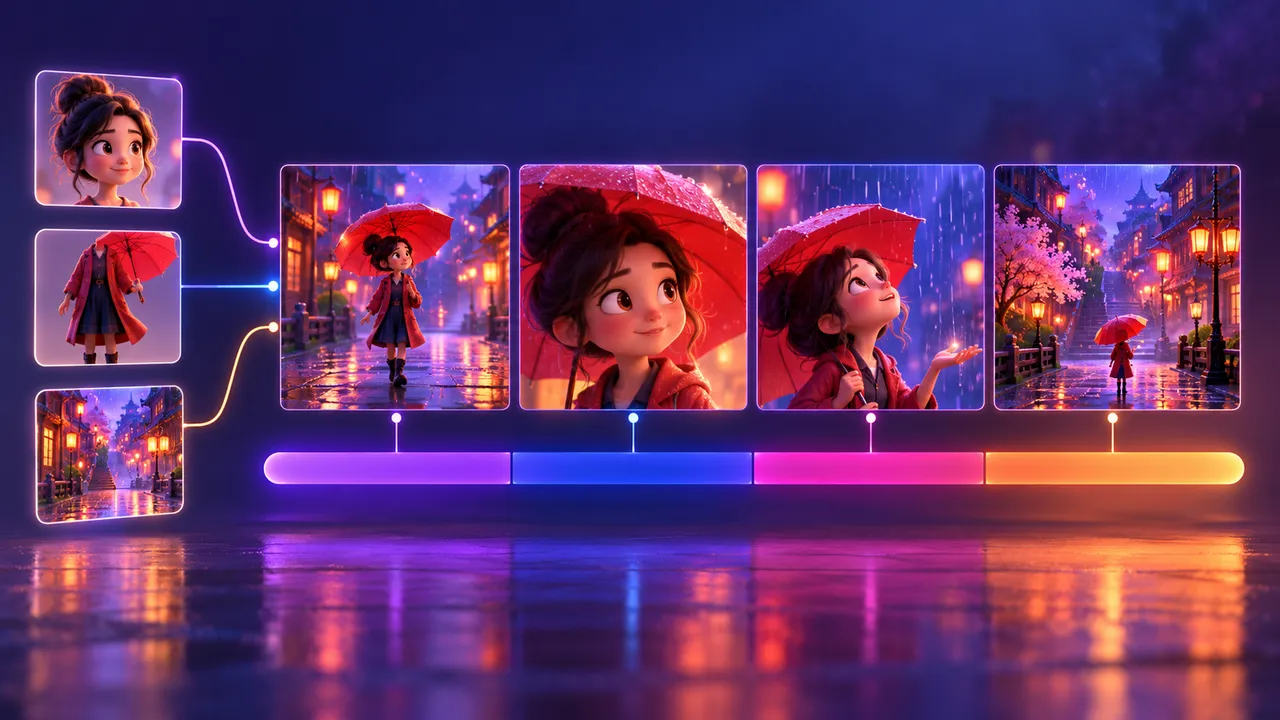
A good Seedance 2.0 prompt is not one long paragraph. It is a small, timed plan: one 15-second segment, four short shots, clear reference images and dialogue that fits the time. This guide gives you a fill-in template, a finished example and the fixes for the problems most beginners hit.
All examples use a 9:16 vertical frame for YouTube Shorts. The same structure works in 16:9 if you make long-form videos.
What a Seedance 2.0 prompt needs to do
Seedance 2.0 is a video model from ByteDance. At the time of writing it can take several reference images in one request, make clips of up to about 15 seconds, and follow a prompt that is split into timed sub-shots. Check the current limits in the app you use, because they change.
That gives you three jobs. Your Seedance 2.0 prompt has to:
- Split time. Tell the model what happens in each part of the 15 seconds.
- Bind references. Tell the model which image is the character, which is the place and which is the layout.
- Fit the sound. Make sure every spoken line can actually be said in the time you give it.
If you skip any of these, the model fills the gaps by guessing. Guessing is where faces change, rooms move and lines get cut off.
Step 1: Plan one 15-second segment with 4 shots
Do not write one Seedance 2.0 prompt for a whole story. Write one per segment. Your storyboard should already be cut into 15-second pieces with 3 to 5 shots each. If it is not, read one shot, one action first, or paste your script into the Storyboard Generator.
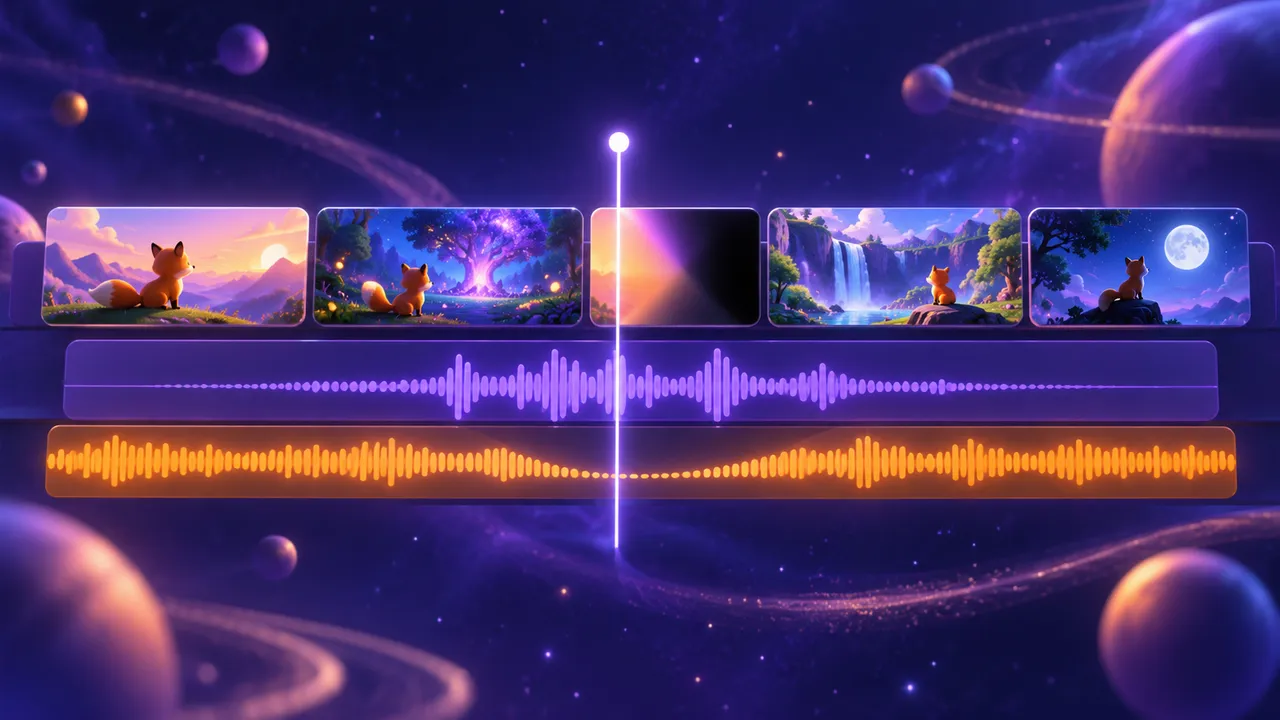
For most story shorts, 4 shots per segment is a safe default. Use these time slots:
- Shot 1: 0–3 s. Set the place or the hook.
- Shot 2: 3–6 s. First reaction or first line.
- Shot 3: 6–10 s. The main action or answer.
- Shot 4: 10–15 s. The result, plus a short pause.
The last shot is the longest on purpose. It gives the scene room to land and gives you a clean point to cut in the edit.
Each shot should hold one action. "She opens the door" is one action. "She opens the door, walks to the window and starts crying" is three shots pretending to be one. Also keep the shot size, the place and the weather the same inside a shot.
Step 2: Bind your reference images with @image tags
Before you write the Seedance 2.0 prompt, prepare your images:
- Character sheets. One image per main character, ideally a clean front view or a front/side/back turnaround. See consistent characters for how to make them.
- Scene plates. An empty picture of each location with no people in it.
- Storyboard frame (optional). A rough image that shows the layout of the shot.
Upload them in a fixed order, then use the reference labels shown in your app. This Seedance 2.0 prompt uses @image1, @image2 and so on as a template convention. Do not just list them once at the top. Repeat the tag every time the character or place appears in a shot, and add two or three visible details in brackets, like this: "Mira @image1 (yellow raincoat, short black hair)". The tag tells the model which picture to look at. The details tell it what to keep.
If you want to borrow the look of a clip you saw, upload it to Video to Prompt to get scene-by-scene notes, or turn a single still into a style description with Image to Prompt. Use those notes as raw material, not as something to copy.
Step 3: Time the dialogue in your Seedance 2.0 prompt
Speech is where most segments break. The model will try to fit every word into the slot, so long lines come out rushed or get cut.
Use these rough planning estimates, then time an actual spoken read with pauses:
- English: about 2.5 words per second.
- Chinese: about 3 to 3.5 characters per second.
So a 3-second shot holds a line of about 7 English words. A 5-second shot holds about 12. Write the count next to each line, for example (7 words, allow about 3.5 s). If the line is too long, cut words or move half of it to the next shot.
Then leave about 0.5 seconds of silence at the end of the segment. End the last line by 14.5 s. That gap gives you editing room; still check the generated audio because requested timing is not guaranteed.
The Seedance 2.0 prompt template
Copy this, replace everything in [BRACKETS], and delete the lines you do not need.
SEEDANCE 2.0 PROMPT - SEGMENT [NUMBER] OF [TOTAL]
Format: 9:16 vertical, 15 seconds, 4 shots
Style: [ONE FIXED STYLE STRING USED FOR THE WHOLE FILM]
References:
@image1 = [CHARACTER A] sheet
@image2 = [CHARACTER B] sheet
@image3 = [LOCATION] empty scene plate
@image4 = [STORYBOARD FRAME, optional]

Shot 1 | 0-3 s | [SHOT SIZE], [CAMERA ANGLE]
Scene: [LOCATION] (@image3), [TIME OF DAY], [WEATHER]
Action: [CHARACTER A] @image1 ([2-3 LOOK DETAILS]) [ONE ACTION]
Camera: [STATIC / SLOW PUSH-IN / TRACKING]
Dialogue: none

Shot 2 | 3-6 s | [SHOT SIZE], [CAMERA ANGLE]
Action: [CHARACTER B] @image2 ([2-3 LOOK DETAILS]) [ONE ACTION]
Dialogue: [CHARACTER B]: "[LINE]" ([N] words = [N] s)

Shot 3 | 6-10 s | [SHOT SIZE], [CAMERA ANGLE]
Action: [ONE ACTION]
Dialogue: [CHARACTER A]: "[LINE]" ([N] words = [N] s)

Shot 4 | 10-15 s | [SHOT SIZE], [CAMERA ANGLE]
Action: [ONE ACTION, THE RESULT]
Dialogue: [SHORT LINE OR none], ends by 14.5 s
Last 0.5 s: no speech, hold the frame

Sound: [AMBIENT SOUND], [SOUND EFFECTS]
Keep the same: faces, clothes, location, light in every shot
A filled example (9:16)
Here is the template filled in for a short cartoon story about a girl and a stray puppy.
SEEDANCE 2.0 PROMPT - SEGMENT 2 OF 6
Format: 9:16 vertical, 15 seconds, 4 shots
Style: soft 3D cartoon, warm colors, rounded shapes, gentle rim light
References:
@image1 = Mira sheet
@image2 = puppy sheet
@image3 = bus stop at dusk, empty

Shot 1 | 0-3 s | wide shot, eye level
Scene: small bus stop (@image3), dusk, light rain
Action: Mira @image1 (yellow raincoat, short black hair, red backpack) runs under the roof
Camera: static
Dialogue: none

Shot 2 | 3-6 s | medium shot, high angle
Action: puppy @image2 (brown fur, one white ear) shivers next to the bench
Dialogue: Mira: "Hey, are you lost, little one?" (6 words, allow about 3 s)

Shot 3 | 6-10 s | close-up, low angle
Action: Mira @image1, already kneeling, holds out half of her sandwich
Dialogue: Mira: "It is okay. You can have some." (7 words, allow about 3.5 s)

Shot 4 | 10-15 s | medium shot, eye level
Action: the puppy @image2 eats from her outstretched hand
Dialogue: none
Last 0.5 s: no speech, hold the frame

Sound: soft rain on the roof, distant traffic
Keep the same: faces, clothes, location, light in every shot
Notice what is missing from this Seedance 2.0 prompt: no long list of adjectives, no "beautiful" or "cinematic masterpiece", and no camera change inside a shot. Every line describes something the model can draw.
Fixing common problems
The scene has to change inside a segment
Seedance 2.0 follows one place well. Moving from a sunny street to a rainy night inside one shot usually fails. Instead of forcing it into one Seedance 2.0 prompt, make two still images first: a first frame (where the shot starts) and a last frame (where it ends). Then generate a short transition clip between them in an app that supports first and last frame input. Keep this for real scene changes only.
Parts of the frame come out blurred or pixelated
Mosaic or blur is not enough to diagnose a content filter. Check the app message first, then compare the source image, exported file and preview. Compression, motion blur and generation artifacts can also hide detail. If the app explicitly reports a restriction, remove the flagged element from your Seedance 2.0 prompt and references. Otherwise test a simpler action with a sharper reference, changing one variable at a time.
The character's face changes between segments
Check three things in each Seedance 2.0 prompt: the same @image tag is used for that character in every shot, the brackets repeat the same look details, and the style line is exactly the same in every segment. Even small changes in the style string can shift the look.
The dialogue is rushed or cut off
Count the words in your Seedance 2.0 prompt again. Cut the line, or give it a longer slot. Make sure the last 0.5 s is silent.
Where this fits in the full workflow
This template is one step in a longer process: idea, script, storyboard, style, character and scene images, video clips, edit and publish. The full path is in how to make an AI short film. After you have your clips, use camera angles and shots to plan better framing for the next segment.
Try it free: Seedance Prompt Generator — paste your notes and get an editable Seedance brief with subject, motion, camera and sound. The page is built for Seedance 2.5, but the same structure works as a Seedance 2.0 prompt. It writes text only; you render in your own video app. No sign-up.
FAQ
How long should a Seedance 2.0 prompt be?
Long enough to cover four shots and no longer. Most good segment prompts are 120 to 250 words. Short, concrete lines work better than long descriptions.
How many shots can I fit in 15 seconds?
Three to five. Four is a safe default: 0–3, 3–6, 6–10 and 10–15 seconds. More shots means less time for each action and more chance of a messy result.
Can I write a Seedance 2.0 prompt in another language?
Yes. You can write the prompt in English or Chinese. If the dialogue is in another language, adjust the timing: count about 2.5 words per second for English and 3 to 3.5 characters per second for Chinese, then test a short line first.
Does the @image order matter?
Use the reference labels actually shown by your app. In this template, numbers follow upload order; some interfaces label references differently. Verify each attachment before generating, and keep the mapping consistent between segments.